How Much VRAM Do You Actually Need? The Ultimate Graphics Card Guide for 2024 | Tech Info
Hey there, gamer! If you’ve been shopping for a new graphics card lately, or just trying to get your favorite new games to run smoothly, you’ve probably heard a lot of noise about VRAM. It feels like overnight, 8GB of VRAM went from being the gold standard to getting dragged on hardware forums across the internet. With unoptimized modern PC ports and texture-heavy games dropping regularly, choosing the right amount of Video RAM has become one of the most important decisions for your build.
So, how much VRAM do you *actually* need in 2024? Are 8GB cards truly dead? Do you really need to spend half your paycheck on a 24GB monster? Let’s break it down in plain, plain English so you can make the smartest upgrade for your budget and resolution!
What Exactly is VRAM and Why Does It Matter?
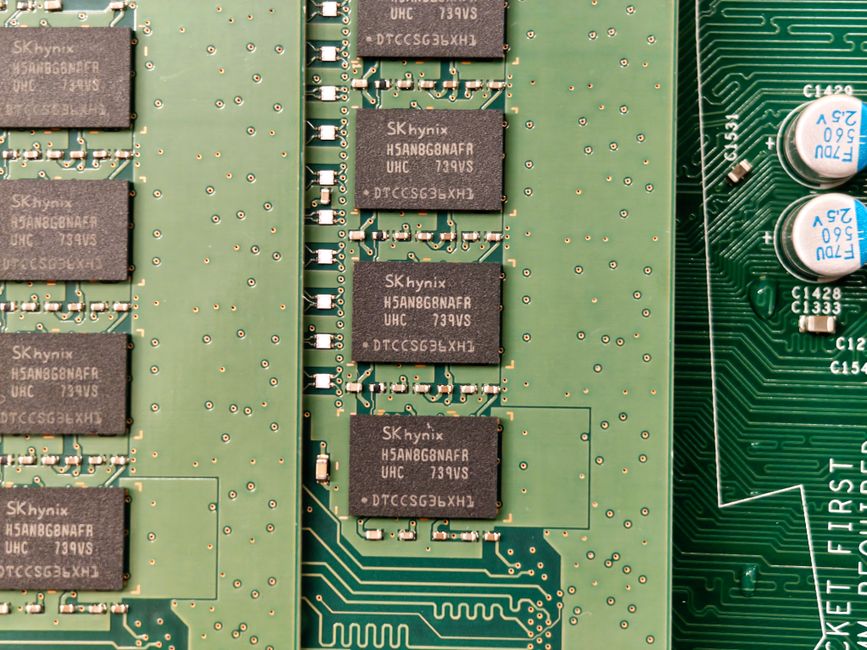
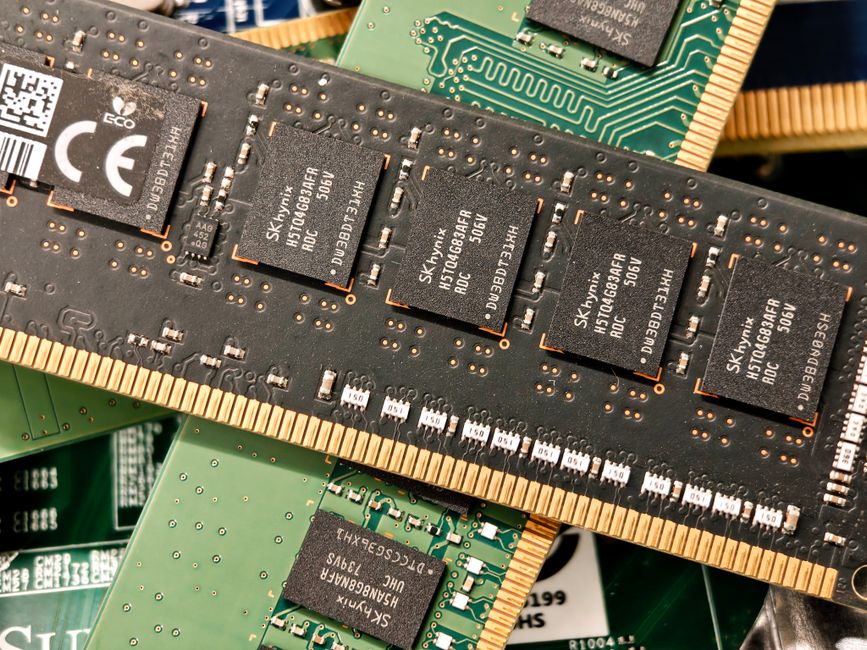
Think of VRAM (Video Random Access Memory) as a dedicated short-term memory bank for your graphics card. Instead of sending data back and forth to your computer’s main RAM, your GPU stores high-resolution textures, shadow maps, 3D models, and frame buffers right on the card itself. This allows your GPU to access crucial assets instantly.
When you run out of VRAM, your graphics card is forced to swap data with your system RAM, which is significantly slower. The result? Sudden frame drops, awful stuttering, textures that refuse to load (looking like mushy clay), or even outright game crashes. Nobody wants that mid-match!
VRAM Tier Breakdown: How Much Do You Need?
Your ideal VRAM target depends heavily on the screen resolution you play at and the types of games you enjoy. Here is where things stand in 2024:
4GB to 6GB: The Budget & Esports Tier
If you mostly play titles like Valorant, League of Legends, CS2, or older games at 1080p, 4GB to 6GB can still get the job done. However, for modern AAA games released in 2023 and 2024, this tier will struggle heavily, even on low settings.
8GB: The Entry-Level Standard (1080p)
An 8GB card is still fine for solid 1080p gaming in the vast majority of titles. However, it is no longer future-proof. Heavy hitters like Alan Wake 2, The Last of Us Part I, and Hogwarts Legacy can easily max out 8GB if you flip settings to High or Ultra. You can still play them, but you'll need to compromise on texture quality.
12GB: The 1440p Sweet Spot
For most gamers, 12GB is currently the absolute sweet spot. It provides plenty of headroom for maxing out settings at 1080p and running comfortably at 1440p without worrying about texture pop-in or memory bottlenecks for the next few years.
16GB or More: 4K Gaming, Ray Tracing, and Future-Proofing
If you want to play at 4K resolution, crank up Ray Tracing settings, or dive into heavily modded games (like Skyrim or Cyberpunk 2077 with 4K texture packs), 16GB is where you want to be. It also offers peace of mind that your GPU won't fall behind as game engines evolve.
The Hidden VRAM Eaters: Ray Tracing and Upscaling
It’s not just texture quality that eats up your memory. Modern features like Ray Tracing require extra VRAM to construct spatial data structures (called BVH) that calculate real-time lighting and shadows. Turn on Ray Tracing, and your VRAM usage instantly jumps up by 1GB to 2GB.
Additionally, while technologies like NVIDIA DLSS and AMD FSR improve performance by rendering games at lower internal resolutions, new features like Frame Generation actually consume a bit *more* VRAM to generate intermediate frames. If your GPU is already sitting right at its VRAM limit, turning on Frame Gen can sometimes cause stability issues.
Quick Tips: Finding Your VRAM Sweet Spot
To make your shopping trip easier, here is a handy cheat sheet based on your primary gaming goals:
- 1080p Competitive Gaming: Aim for 8GB minimum.
- 1080p AAA Ultra Settings: Look for 10GB to 12GB.
- 1440p High Refresh Rate: Grab a card with 12GB to 16GB.
- 4K Gaming & Heavy Ray Tracing: Stick to 16GB or more.
- 3D Rendering / Video Editing / AI Workloads: Go for 16GB to 24GB for heavy productivity.
Final Thoughts
While you don't need to panic and buy a super-expensive GPU right now, VRAM requirements are definitely trending upward. Games built specifically for current-gen consoles are pushing PC hardware harder than ever. If you are buying a brand-new graphics card today and plan to keep it for 3 to 4 years, aiming for at least **12GB of VRAM** is the smartest choice for longevity and smooth performance.
Happy gaming, and may your frame rates be high and your temperatures low!
Post a Comment