The Core Lie: Why Your Laptop’s 'i9' Processor Isn’t What You Think It Is | Tech Info
We’ve all been there. You’re browsing for a new computer, your eyes glaze over the price tags, and then you see it: a shiny sticker that reads "Intel Core i9" or "AMD Ryzen 9." It feels like the holy grail of tech. You picture yourself rendering 4K videos in seconds, playing the latest games at ultra settings, and basically owning a supercomputer that fits inside your backpack. But I have some bad news for you. That laptop "i9" badge? It’s lying to you.
The Magic of Marketing vs. Reality
In the world of technology, marketing departments love consistency. They want you to believe that an i3 is budget, an i5 is mid-range, an i7 is high-end, and an i9 is an absolute monster. While this logic holds true when comparing laptop chips to other laptop chips, it completely falls apart the moment you compare a laptop CPU to its desktop sibling.
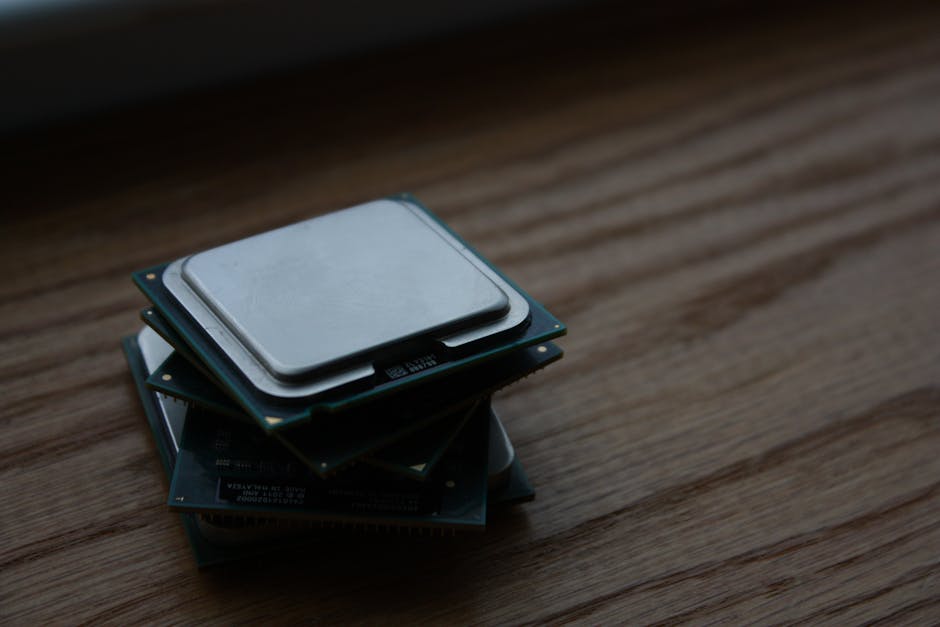
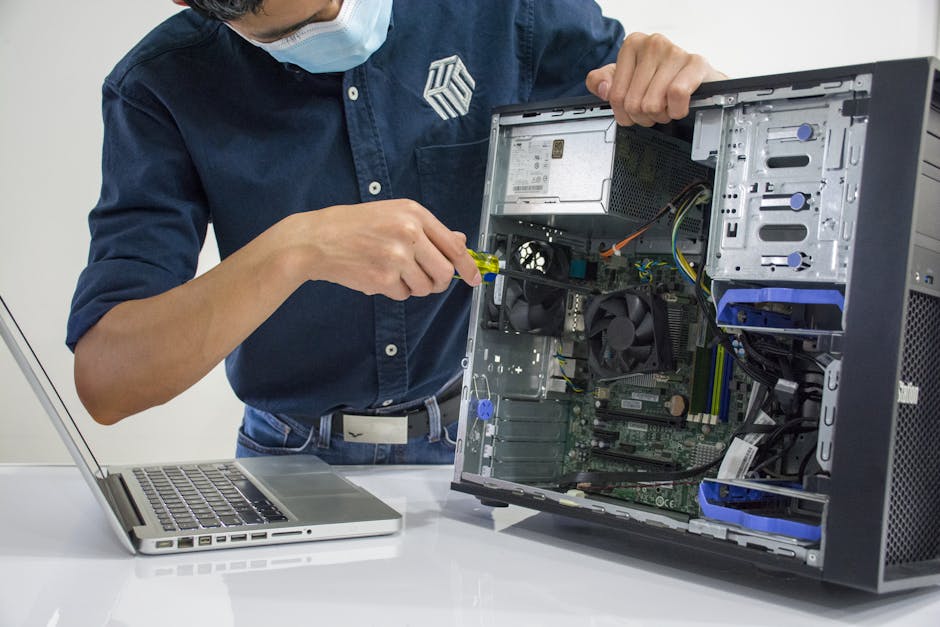
A laptop Core i9 is not the same as a desktop Core i9. In fact, in terms of raw, sustained performance, a laptop i9 will often get beaten by a desktop i5 from the same generation. It’s like putting a Ferrari badge on a high-end golf cart. It might be the fastest golf cart on the course, but it’s never going to win a drag race against an actual sports car.
The Two Culprits: Power and Heat
Why is this the case? It all comes down to basic physics, specifically power delivery and heat management. Your desktop computer sits plugged into a wall outlet, drawing hundreds of watts of power, and is cooled by massive fans or liquid cooling loops. Your laptop, on the other hand, has to run on a battery and fit into a chassis that is less than an inch thick.
Desktop processors are allowed to consume a massive amount of power—often between 125 and 250 watts—to maintain high speeds. Laptop processors are strictly limited, usually capped at 45 to 55 watts to prevent your battery from draining in ten minutes. Less power directly equals less performance.
Then there is the issue of heat. When a CPU works hard, it gets hot. A desktop has the physical space to dissipate that heat. A laptop quickly turns into a tiny frying pan. To prevent itself from literally melting, your laptop's i9 processor will use a trick called "thermal throttling." It will run fast for about 30 seconds, get too hot, and then intentionally slow itself down to cool off. That means you only get "i9 speed" in short, bursty intervals.
The "i7" Sweet Spot
Because of these thermal and power limits, buying the highest-tier processor in a thin laptop is often a waste of money. In many cases, a laptop with an i7 (or Ryzen 7) processor will perform almost identically to the more expensive i9 version in the same chassis. Why? Because the chassis can only handle a certain amount of heat anyway. Both chips will throttle down to the exact same speed once the laptop gets hot. You are essentially paying hundreds of dollars extra just for a sticker.
Quick Tips for Smart CPU Shopping
- Check the suffix: Look at the letters at the end of the processor name. For laptops, "H" or "HX" means high performance, while "U" means ultra-low power (great for battery life, bad for gaming).
- Don't overpay for the badge: If you are buying a thin-and-light laptop, stick to an i7 or i5. You won't be able to cool an i9 enough to actually use its full power.
- Look up real-world reviews: Never rely on the manufacturer's spec sheet. Search for reviews that test "sustained workloads" to see how the laptop performs after 20 minutes of heavy use.
- Prioritize cooling over specs: A laptop with an i7 and a great dual-fan cooling system will often outperform a poorly-cooled laptop with an i9.
At the end of the day, laptops are incredible feats of engineering, and modern mobile processors are faster than ever. Just remember to manage your expectations. If you need absolute, uncompromising power, nothing beats a desktop. But if you need to work on the go, save your cash, skip the shiny i9 sticker, and find a well-cooled i7 that won't break your bank—or melt your lap!
Post a Comment