Spinning Rust Rules: Why Your Next Backup Drive Should Be a Slow, Noisy HDD | Tech Info
Let’s face it: we live in a world obsessed with speed. We want our websites to load instantly, our coffee to brew in seconds, and our computer drives to transfer files at lightning-fast speeds. Because of this, Solid State Drives (SSDs) have rightfully become the kings of the tech world. They are silent, incredibly fast, and make our daily computing a breeze.
But when it comes to backing up your precious photos, tax documents, and digital memories, I’m here to tell you to take a step back in time. Yes, your next backup drive should still be a slow, clunky, and slightly noisy Hard Disk Drive (HDD). It might sound crazy, but hear me out—spinning rust still rules the backup kingdom for some very good reasons.
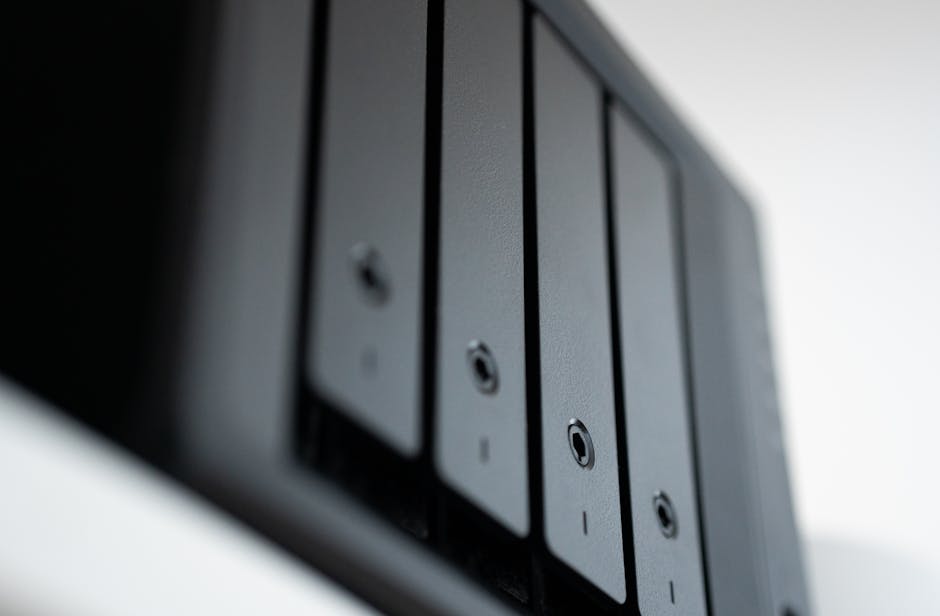

The Price-to-Storage Champion
First and foremost, let’s talk about your wallet. If you want to back up your entire digital life, you need space—lots of it. While SSD prices have come down over the years, they still can't compete with the raw affordability of traditional HDDs when it comes to high capacities.
For the price of a modest 2TB SSD, you can easily grab a massive 6TB or 8TB external HDD. When you are backing up your system, speed doesn't matter as much because backups usually run in the background while you sleep. What actually matters is having enough room to save multiple versions of your files without breaking the bank.
The "Cold Storage" Secret
Did you know that SSDs aren't designed to sit in a drawer unplugged for years? SSDs store data using electrical charges in tiny flash memory cells. If an SSD is left without power for a long time (often referred to as "cold storage"), those cells can slowly lose their charge, leading to data corruption.
Traditional HDDs, on the other hand, write data magnetically onto physical platters. Once that data is written, it can sit safely on a shelf in your closet for years without needing a single drop of electricity. If you want a reliable archive that you can set and forget, the old-school HDD is the clear winner.
Graceful Aging vs. Sudden Death
When an SSD fails, it usually happens instantly and without warning. One day it works; the next day, it’s a silent brick, and recovering data from a dead SSD is notoriously difficult and expensive.
HDDs are mechanical, which actually works to your advantage. When they start to fail, they usually give you warning signs. You might hear a strange clicking noise, notice slow read times, or see warning signs on your system diagnostics. This "graceful aging" gives you a vital window of opportunity to copy your data to a new drive before the old one dies completely.
Quick Tips for Your Backup Strategy
- Use the 3-2-1 Rule: Always keep three copies of your data, on two different types of media, with at least one copy stored off-site (like in the cloud).
- Look for CMR Drives: When buying an HDD, look for Conventional Magnetic Recording (CMR) rather than Shingled Magnetic Recording (SMR). CMR drives are much faster and more reliable for constant write cycles.
- Schedule and Automate: Don't rely on your memory. Set up your backup software to automatically run your backups to your HDD overnight.
- Handle with Care: Remember that HDDs have moving parts. Avoid moving or bumping the drive while it is actively spinning and plugged into your computer.
So, the next time you need to buy a backup drive, don't get distracted by the flashy speed ratings of SSDs. Embrace the slow, embrace the hum of the spinning platters, and let a trusty HDD keep your data safe and sound for years to come!
Post a Comment