The Great RAM Myth: Why More Memory Won't Speed Up Your Slow PC (and What Will) | Tech Info
We’ve all been there. You’re trying to open a browser tab, write a document, or edit a photo, and your computer decides it needs a five-minute nap. The loading wheel spins, your fans start whirring like a jet engine, and you find yourself staring at the screen in frustration. Naturally, you search the internet for a quick fix, and the most common advice you see is: "Just buy more RAM!"
It sounds like the perfect solution. RAM is relatively cheap, easy to install, and feels like a professional upgrade. But here is the cold, hard truth: if your computer is already crawling, adding more RAM probably won't do a single thing to speed it up. Let's look at why this myth persists, and explore what you can actually do to bring your sluggish machine back to life.
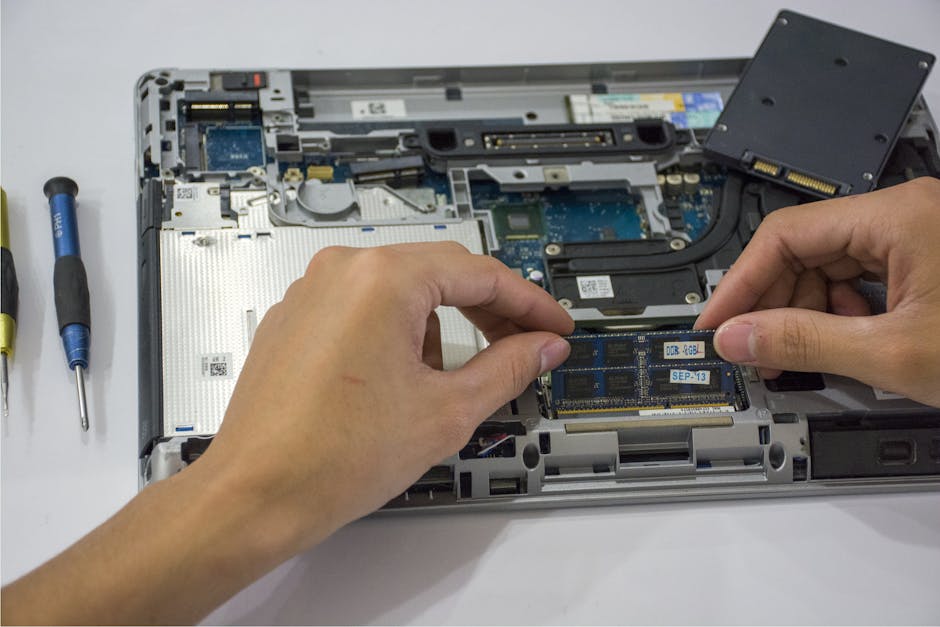
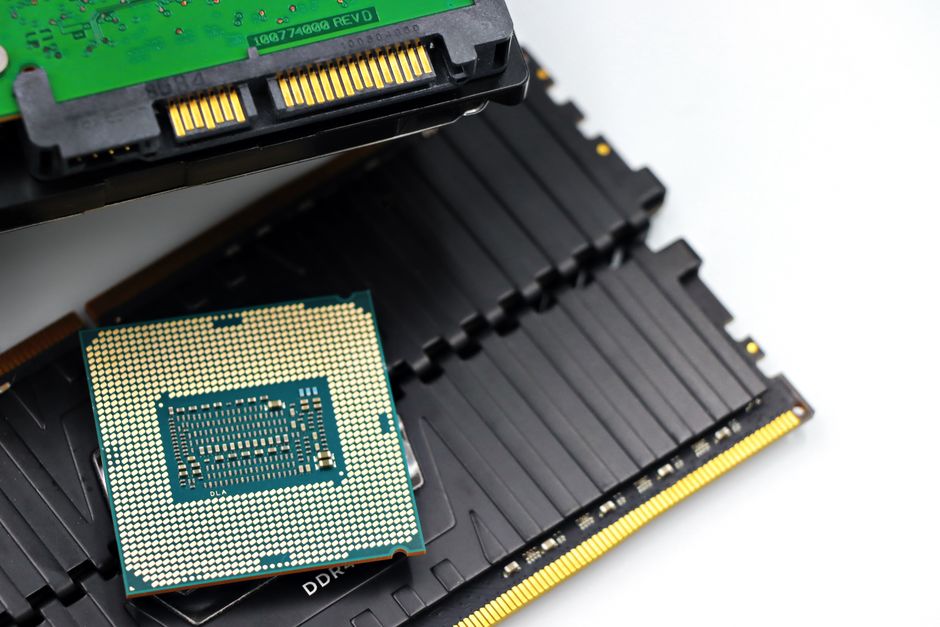
The Desk Analogy: How RAM Actually Works
To understand why more RAM won’t magically speed up your PC, it helps to understand what RAM (Random Access Memory) actually does. Think of your computer as an office worker, and RAM as the physical desk they work on. Your hard drive is the filing cabinet in the corner of the room.
If you are working on three documents at once, you spread them out on your desk (RAM) so you can access them instantly. If your desk is too small, you have to constantly walk back and forth to the filing cabinet (the hard drive), which slows you down. Buying a bigger desk (more RAM) solves this problem.
But what if you only have one document on your desk, and you are still working slowly? A bigger desk won't make you read or write any faster. That is the limit of your brain power (the CPU) or how fast you can pull files out of the drawer (your storage drive). If you aren't using all your current RAM, adding more is just paying for empty desk space.
The Real Culprits Behind Your Slow Computer
If RAM isn't the issue, why is your computer acting like a sloth? Usually, the bottleneck lies in one of three areas:
- Mechanical Hard Drives: If your computer still uses an old-school Hard Disk Drive (HDD) with spinning platters, this is almost certainly the bottleneck. HDDs are incredibly slow compared to modern standards.
- Processor (CPU) Limitations: The CPU is the brain of your computer. If you have an outdated or budget processor, it simply can't process data fast enough to keep up with modern software.
- Background Bloatware: Sometimes, the hardware is fine, but you have dozens of hidden programs starting up with Windows or macOS, hogging all of your system's attention.
What Actually Makes Your Computer Faster?
Now that we know what doesn't work, let's talk about the upgrades and tweaks that will actually give you that "brand new PC" feeling.
The single best upgrade you can make is swapping your old HDD for a Solid State Drive (SSD). Because SSDs have no moving parts, they can read and write data up to ten times faster than a traditional hard drive. Upgrading to an SSD will make your computer boot up in seconds, open apps instantly, and feel incredibly snappy.
Another highly effective (and completely free) solution is cleaning up your operating system. Over the years, computers accumulate digital clutter. Doing a clean reinstall of your operating system wipes away years of junk, corrupted registry files, and unwanted background processes, giving your hardware a fresh start.
Quick Tips for an Instant Speed Boost
Before you spend any money on new hardware, try these quick and easy software fixes to see if you can squeeze some extra speed out of your current setup:
- Disable startup programs: Open your Task Manager (Windows) or Activity Monitor (Mac) and prevent unnecessary apps from launching when you turn on your computer.
- Uninstall unused software: Go through your applications list and delete any programs, games, or browser extensions you no longer use.
- Clean up your storage: Keep at least 15% of your main storage drive free. If your drive is nearly full, your operating system will struggle to manage temporary files.
- Check your browser tabs: Modern web browsers are notorious resource hogs. Close tabs you aren't actively using, or use a tab-suspender extension to save memory.
By focusing on the actual bottlenecks—like your storage drive and software clutter—you can save your hard-earned money and enjoy a computer that actually runs at the speed of life!
Post a Comment