Type-A, Micro, and C: The Ultimate Guide to Decoding the Cables in Your Junk Drawer | Tech Info
We all have one. That one drawer in the kitchen, hallway, or home office containing a mysterious, tangled bird's nest of black and white cords. It's the infamous "junk drawer," and it is where old tech cables go to wait for a device that might not even exist in your house anymore. But when you actually need to charge an old camera, transfer photos, or power up a new smart gadget, diving into that copper nest can feel like trying to defuse a bomb. Which one is which?
Don't panic! You don't need a degree in computer engineering to sort through the clutter. Let's decode the three most common USB cables together so you can finally organize your stash and toss the outdated junk with confidence.
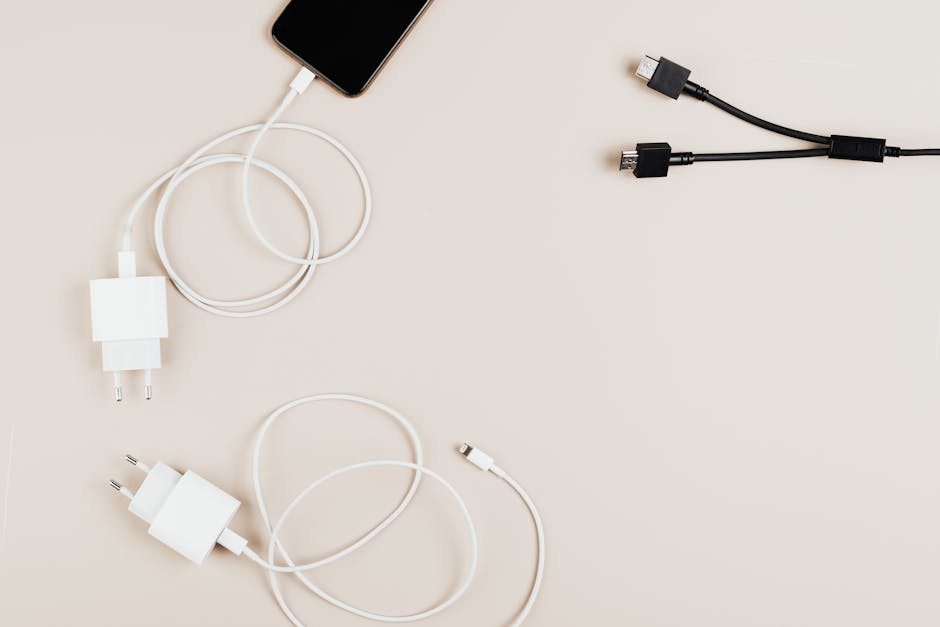
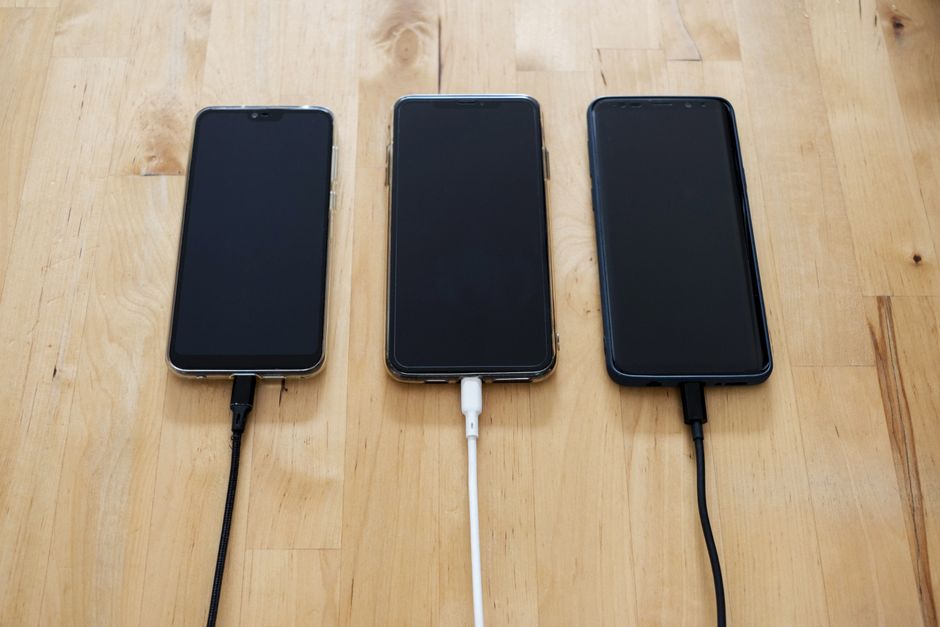
Meet USB Type-A: The Reliable Giant
USB-A is the classic, rectangular connector that we all know and respect. It is the original USB plug. For decades, it has been the standard connector found on one end of almost every charging cable. You will plug USB-A into wall charging bricks, laptops, desktop towers, cars, and game consoles.
The funniest thing about USB-A is the unofficial "three-try rule." No matter which way you try to plug it in the first time, it always seems to be upside down. It only goes in one way, so here is a pro-tip: look for the indented USB logo on the plastic casing. That logo almost always faces "up" or "toward you" when plugging it in horizontally.
Micro-USB: The Asymmetrical Survivor
If you have gadgets purchased between 2010 and 2018—like older Android phones, Kindle e-readers, portable power banks, cheap Bluetooth speakers, or PlayStation 4 controllers—your drawer is likely overflowing with Micro-USB cables.
This connector is small and shaped like a flat-bottomed trapezoid. If you look closely at the underside, you will see two tiny metal hooks designed to latch into your device and keep the cable secure. Like USB-A, it is directional, meaning it only plugs in one way. Be gentle with these cables! Those little metal teeth can wear down over time, resulting in a loose connection that stops charging if you breathe too close to it.
USB-C: The Modern Savior
Enter the hero of modern technology: USB-C. This is the sleek, oval-shaped plug that is rapidly replacing every other connector on the market. It is now the standard for almost all new smartphones, tablets, modern laptops, and even gaming consoles like the Nintendo Switch.
Why do we love USB-C? First, it is completely reversible. There is no "upside down" with USB-C; you can plug it in blindly in the dark, and it works perfectly every single time. Beyond physical convenience, USB-C is a powerhouse. It can transfer data at lightning speeds, output high-definition video to external monitors, and carry enough electrical current to fast-charge heavy-duty devices like laptops.
Quick Tips for Conquering Cable Chaos
Ready to tackle that messy drawer? Here are some quick, actionable tips to help you sort through the madness:
- The Color-Coding Trick: Wrap a small piece of colored electrical tape or use colored rubber bands near the ends of your cables to instantly identify them (e.g., blue for USB-C, red for Micro-USB).
- Test Before You Toss: Before throwing a cable away, plug it into a device to verify that it actually charges. Internal copper wires can break even if the outside looks pristine.
- Ditch the Frayed Cords: If you see exposed copper wires, split plastic casings, or bent connectors, throw them in the recycling bin immediately. Frayed cables are fire hazards and can damage your expensive gadgets.
- The Toilet Paper Roll Hack: Roll your cables neatly and slide them vertically into empty cardboard toilet paper rolls arranged inside a shoebox. Write the cable type on the outside of each tube for instant, zero-cost organization.
- Keep a "Just in Case" Stash: You really only need one or two functioning Micro-USB cables for older tech. Keep the best two, and safely recycle the rest at a local e-waste facility.
Time to Clean House!
Now that you can tell your Type-A from your Micro and your Type-C, you are fully armed to conquer the tangled nest. Sort them, test them, keep the best, and recycle the rest. Your future self will thank you the next time your phone hits 1% and you need to grab the exact right cord in a hurry!
Post a Comment