The Great USB Identity Crisis: Why Your "Universal" Cable Is Anything But | Tech Info
The Connector That Promised Us Everything
We were promised a utopia. A world where one single cable could charge your phone, hook up your laptop to a monitor, transfer high-speed data, and even power your morning coffee warmer. When USB-C first hit the scene, it felt like the "Universal" in Universal Serial Bus was finally coming true. No more flipping the plug three times to get it into the port! No more proprietary chargers for every single gadget!
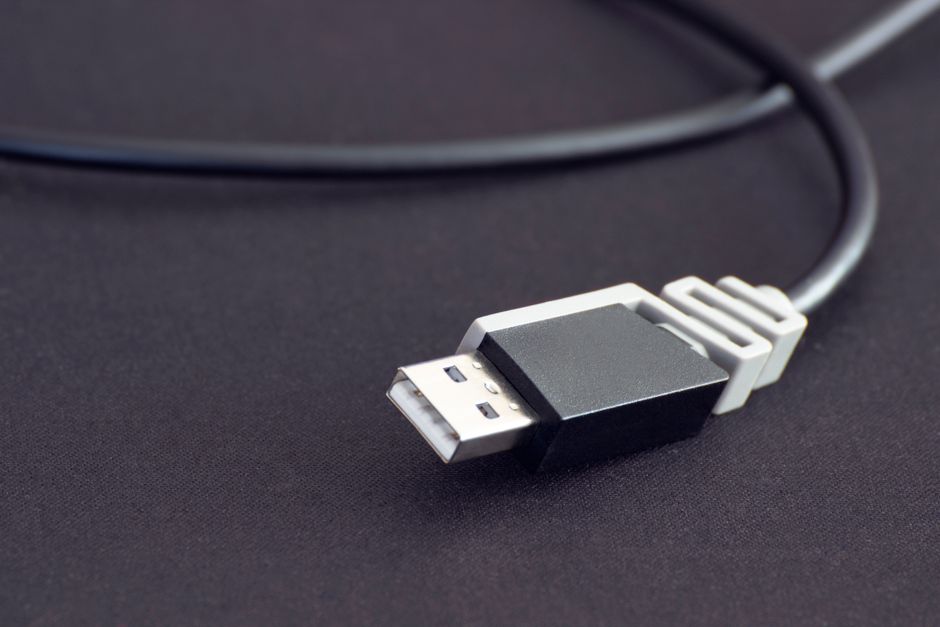
Fast forward to today, and that dream has turned into a bit of a nightmare. We are currently living through the "Great Connector Identity Crisis." Just because a cable fits into your device doesn’t mean it will actually work the way you expect it to. In fact, two identical-looking cables can have completely different capabilities, leading to frustration, slow charging speeds, and "device not supported" errors.

Physical Shape vs. Digital Soul
The first step to decoding the confusion is understanding the difference between the connector and the protocol. Think of the USB-C connector as the "shape" of the plug. It’s just the physical housing. What happens inside that plug is determined by the protocol (like USB 3.2, USB 4, or Thunderbolt).
This is where things get messy. You might have a USB-C cable that is only capable of USB 2.0 speeds—the same technology we used for keyboards twenty years ago. Meanwhile, another USB-C cable sitting right next to it could be a Thunderbolt 4 powerhouse capable of driving two 4K monitors. To the naked eye, they look exactly the same.
The Alphabet Soup of Naming
If you feel confused by names like "USB 3.2 Gen 2x2," don't worry—everyone is. The governing body for USB standards has rebranded these names several times, making it nearly impossible for the average consumer to keep track. Here is a quick breakdown of what those names actually mean for your daily life:
- USB 2.0: Fine for mice and keyboards, but painfully slow for moving photos or videos.
- USB 3.2 Gen 1 (5Gbps): The baseline for modern data transfer. Good for external hard drives.
- USB 3.2 Gen 2 (10Gbps): Fast enough for solid-state drives (SSDs).
- USB4 and Thunderbolt: The "everything" cables. These support high-speed data, video signals, and high-wattage power all at once.
Power Delivery: Not All Watts Are Equal
It’s not just about data; it’s about power. We’ve all been there: you plug your laptop into a phone charger and see the dreaded "Slow Charger" warning. Modern USB Power Delivery (USB-PD) can theoretically handle up to 240W of power, enough for the most beastly gaming laptops. However, many cheap cables are only rated for 60W. If you try to pull more power through a cable that isn't rated for it, your device will either charge at a snail's pace or, in some cases, the cable could actually overheat.
Quick Tips for Your Next Purchase
Navigating the "identity crisis" requires a bit of detective work. Before you click "Buy Now" on that pack of five colorful cables, keep these tips in mind:
- Check the Logos: Look for official certified logos on the packaging. A "20Gbps" or "100W" label is much more helpful than just the word "Fast."
- Thunderbolt is the Safe Bet: If you want one cable that truly does everything (data, video, and power), look for a Thunderbolt 4 cable. They are more expensive, but they are guaranteed to meet the highest standards.
- Read the Fine Print: If a cable is unusually cheap, it is likely a USB 2.0 cable intended only for slow charging.
- Identify Your Needs: If you only need to charge your headphones, a basic cable is fine. If you are connecting a docking station, don't skimp on quality.
The USB identity crisis won't be solved overnight, but being an informed consumer is your best defense. Until the industry settles on a clearer way to label these "universal" tools, keep your eyes on the specs and your cables organized!
Post a Comment