The Digital "Go-Bag": How to Build a Bulletproof Personal Data Recovery Plan | Tech Info
Imagine this: You’re sitting at your favorite coffee shop, mid-way through a project or browsing vacation photos, when your laptop suddenly makes a faint clicking sound and the screen goes black. Or worse, you realize your phone—containing every memory of the last three years—has slipped out of your pocket on a crowded train. In that split second, your heart drops. It’s not just the hardware you’re mourning; it’s the data.
Most of us have a physical emergency plan, like a flashlight for a power outage or a first-aid kit in the car. But do you have a digital "go-bag"? In an era where our lives are stored in bits and bytes, having a bulletproof recovery plan isn't just for tech geeks—it’s a basic life skill. Let’s walk through how to build one that will keep your digital life safe no matter what happens.

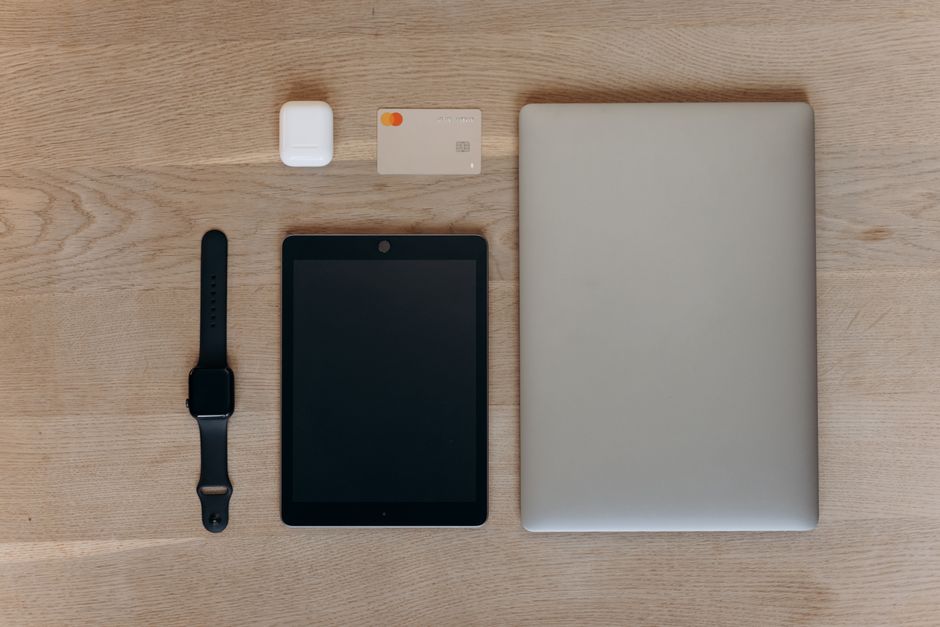
The Golden Rule: The 3-2-1 Strategy
If you take only one thing away from this post, let it be the 3-2-1 rule. This is the industry standard for keeping data safe, and it’s surprisingly simple to implement at home. Here is how it breaks down:
- 3 Copies of your data: Keep your original files plus at least two backups.
- 2 Different media types: Store your backups on different types of devices, such as an external hard drive and a cloud service.
- 1 Copy offsite: Keep at least one backup in a different physical location (like the cloud or a drive kept at a relative’s house) to protect against fire or theft.
Choosing Your Hardware and Software
You don’t need a server room to stay protected. For most people, a high-quality external SSD (Solid State Drive) is the best physical option. They are fast, durable, and can fit in your pocket. Pair this with a reliable cloud service like Google Drive, iCloud, or Dropbox for your "offsite" copy.
For a truly "set it and forget it" approach, consider a dedicated backup service like Backblaze or Carbonite. These programs run in the background and automatically upload every single file on your computer to a secure server. If your house burns down, your data is still waiting for you in the cloud.
Securing the Keys to the Kingdom
A backup is useless if you can’t get into it. Part of your digital go-bag should include a plan for your passwords and two-factor authentication (2FA) codes. If you lose your phone, you might lose the app that generates your login codes.
Use a password manager like Bitwarden or 1Password. Most importantly, print out your "Emergency Kit" or "Recovery Key" and put it in a physical safe or a locked drawer. This piece of paper is the ultimate skeleton key for your digital life.
The Recovery Drill
A backup plan is only a theory until you test it. Once every six months, try to "recover" a few files from your backup. Can you find that photo from 2019? Can you open that PDF? If the answer is no, your system is broken, and it’s better to find out now than during a real emergency.
Quick Tips for Instant Protection
- Automate everything: If you have to remember to do it manually, you probably won't do it. Set your backups to run daily.
- Check your phone settings: Ensure "Find My Phone" and automatic photo backups (Google Photos or iCloud) are toggled on.
- Clean as you go: Don't back up junk. Once a month, delete blurry photos and old downloads to keep your backup sizes manageable.
- Encrypt your drives: If you use an external hard drive, make sure it is password-protected so a thief can't access your files.
Building a digital go-bag might take an hour of your Saturday, but the peace of mind it provides is priceless. Start today by moving your most important files to a second location. Your future self will thank you!
Post a Comment